 Windows
 macOS
macOS Linux
Linux
Binaries
1°) Install at least a Java 8 Version (if required)
3°) Use "run.bat" or "run.sh" to run EditiX XML Editor

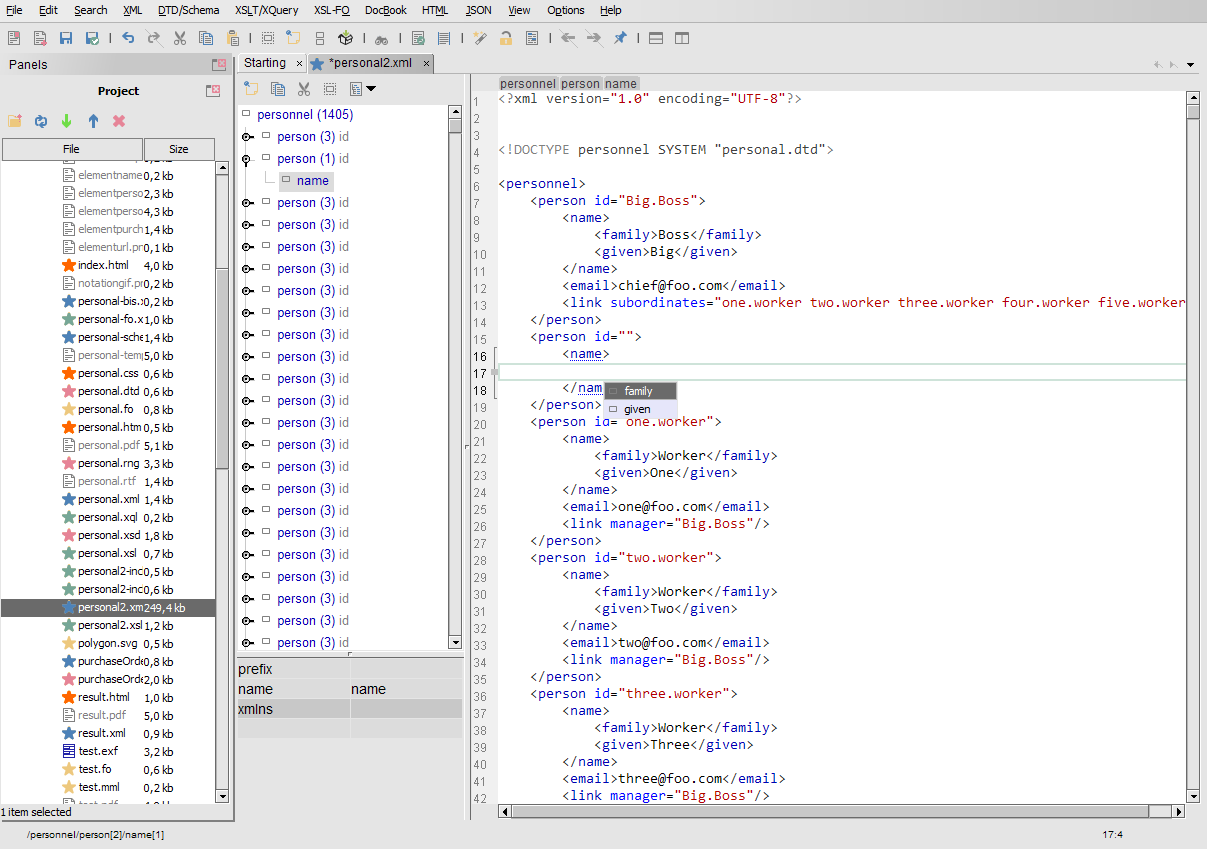
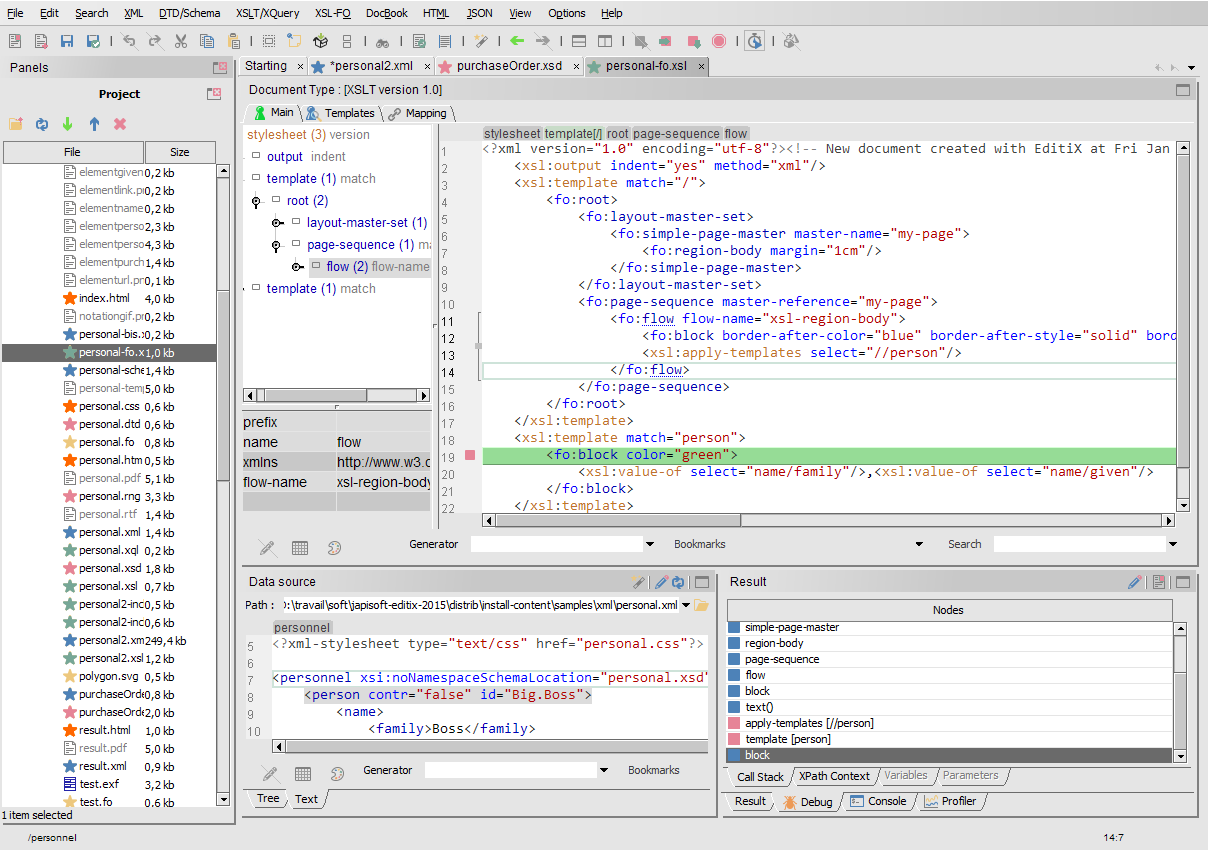
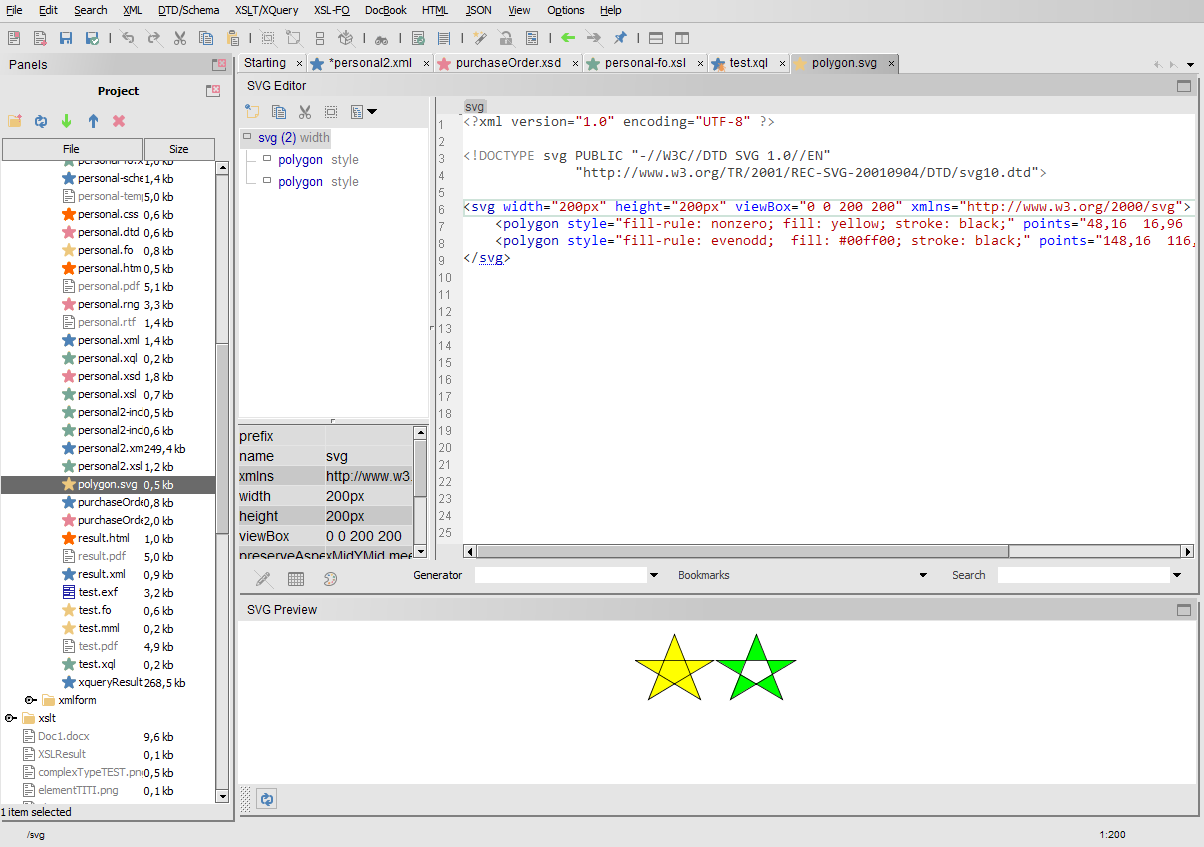
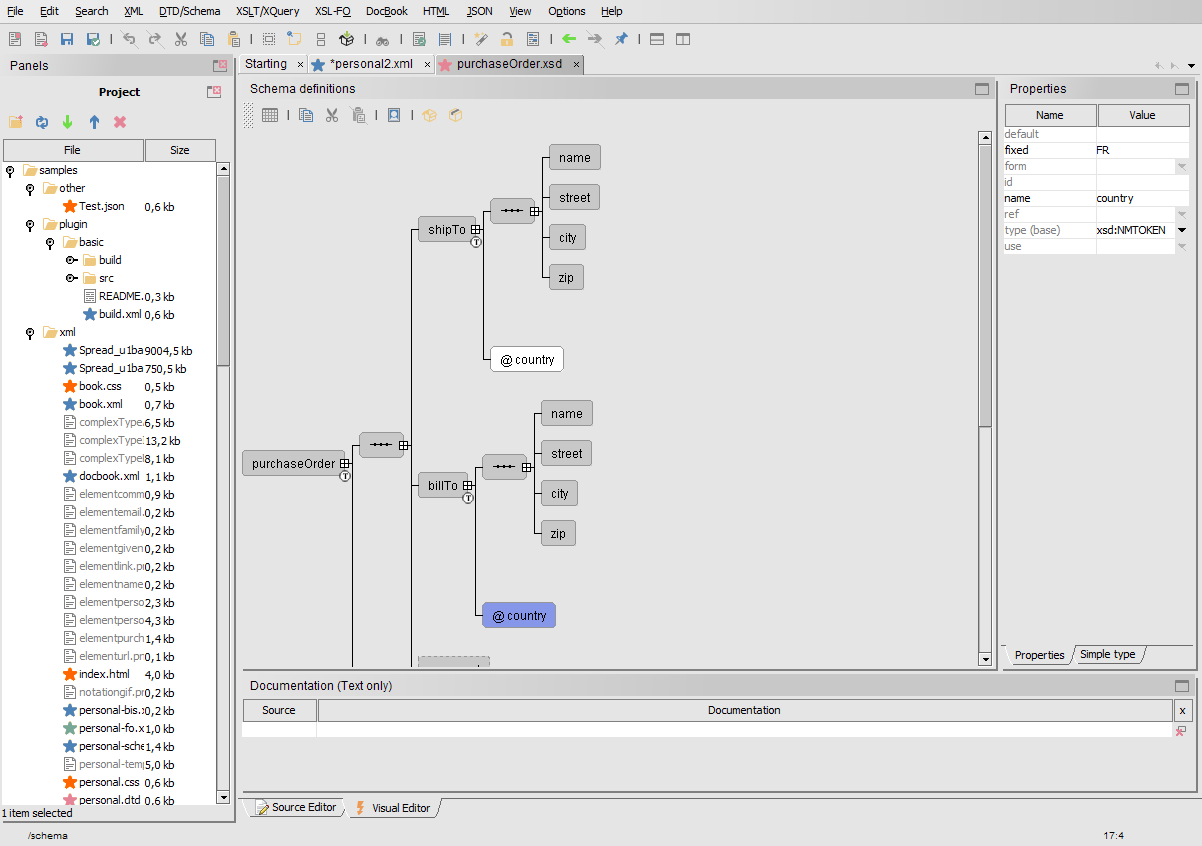
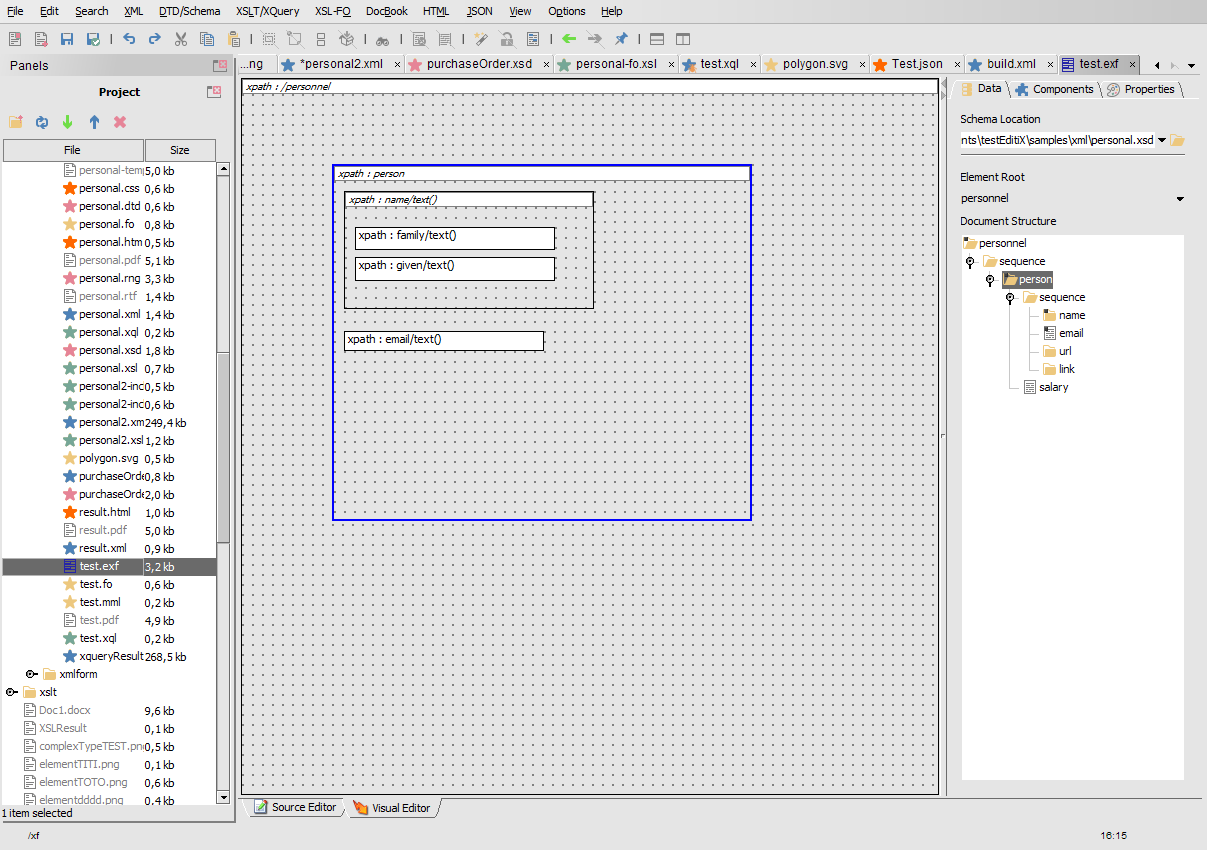
EditiX is free and open source. The Extension Pack is completely optional and provides additional resources to support the development and use of EditiX.
One Extension Pack license per company.
EditiX is free and open source under the GPL-3.0 license. A commercial license is available for companies that need to use EditiX under different licensing terms.
Use the binaries if you don't want to compile EditiX XML Editor yourself.
1°) Install at least a Java 8 Version (if required)
3°) Use "run.bat" or "run.sh" to run EditiX XML Editor
For the "Source" option, we compile the EditiX source code. EditiX is open-source and its code is available on GitHub. Building the source yourself offers full transparency over the code.
1°) Install Git on your computer from https://git-scm.com/install Check that the 'git' command is available in your terminal [screen]
2°) Install a Java JDK on your computer from https://www.oracle.com/java/technologies/downloads Check that the 'java' and the 'javac' commands are available in your terminal [screen]
3°) Install Apache Ant to compile and run EditiX from https://ant.apache.org/ivy/download.cgi Check that the 'ant' command is available in your terminal [screen]
4°) Download EditiX XML Editor using the following command:
git clone https://github.com/AlexandreBrillant/Editix-xml-editor
Example [screen]
5°) Compile the EditiX XML Editor source code using the following command in a terminal:
ant compile
Example [screen]
6°) Run EditiX XML Editor using the following command:
ant run
or
run.bat or run.sh
7°) Get the latest version with
git pull
You will have to adapt the following command to your distribution. We use Ubuntu as an example here.
1°) Install OpenJDK 8 or later
We use version 17 here, but newer versions may also work.
sudo apt install openjdk-17-jre
sudo apt install openjdk-17-jdk
2°) Install ant (if required)
sudo apt install ant
3°) Download EditiX XML Editor using the following command:
git clone https://github.com/AlexandreBrillant/Editix-xml-editor
4°) Compile the EditiX XML Editor source
ant compile
5°) Run EditiX XML Editor
ant run
If you see the following error "java.awt.AWTError : Assistive Technology not found..." then edit the /etc/java-8-openjdk/accessibility.properties (change "8" by your java version) and put a comment(#) for the line "assistive_technologies=..."
6°) Get the latest version with
git pull
Download EditiX XML Editor for Windows, Mac OS X and Unix/Linux (2010 – 2023)
![[screen]](images/2026/installation/step1.png)
![[screen]](images/2026/installation/step2.png)
![[screen]](images/2026/installation/step3.png)
![[screen]](images/2026/installation/step4.png)
![[screen]](images/2026/installation/step5.png)